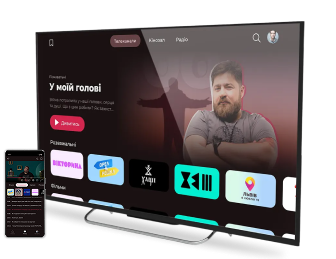
Українське ТБ без підписок
tv mobile
  • Showbiz
  • Series
  • Movies
  • Sport
  • News
Дивитись Слухати радіо
DyvyTV

How to Install the DyvyTV App

The DyvyTV app is available for most modern Smart TVs and mobile devices. Select your device and follow the instructions below.
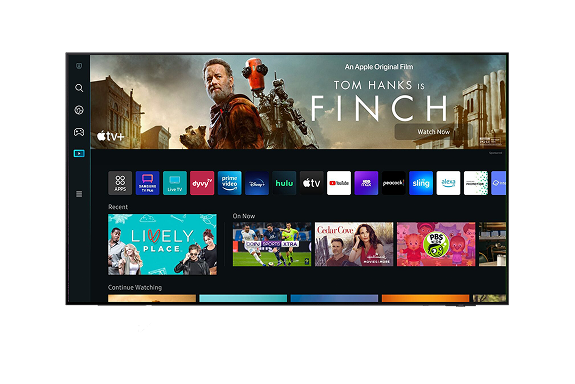
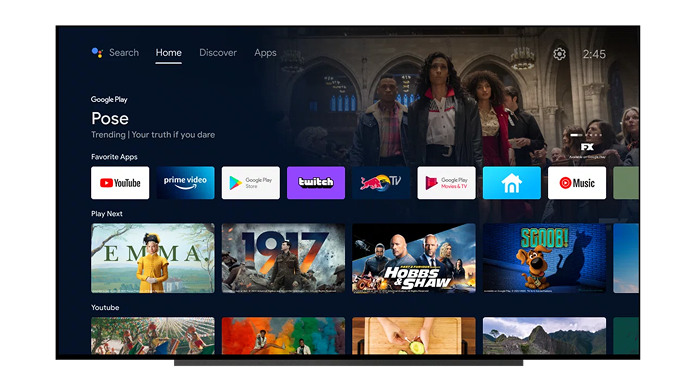
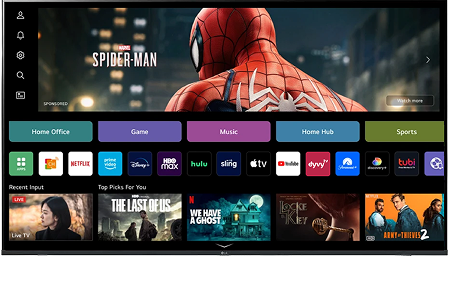
Supported Devices: Android TV/Google TV (Kivi, Sony, Philips, TCL, Xiaomi, and others), Samsung Smart TV (Tizen), LG Smart TV (webOS), Android smartphones and tablets

Soon: Iphone (IOS), Hisense (Vidaa).

Installing the application

Smart TV

Phones and Tablets

  1. Turn on your TV and connect it to the Internet.
  2. Open the Google Play Store.
  3. Enter «DyvyTV» in the search field.
  4. Select the app from the search results.
  5. Click Install.
  6. Once installation is complete, open the app and sign in to your account.
  1. Press the Home button on your remote control.
  2. Navigate to Apps.
  3. Search for “DyvyTV”.
  4. Select the app and click Install.
  5. Launch the app from the TV’s main menu.
  1. Press the Home button on your remote control.
  2. Open LG Content Store or Apps (depending on the TV model year).
  3. Search for “DyvyTV”.
  4. Click Install.
  5. Open the app and sign in to your account.
  1. Turn on your TV and make sure it is connected to the Internet.
  2. On the home screen, open the App Store.
  3. Go to the Search section (magnifying glass icon).
  4. Enter DyvyTV in the search field.
  5. Select the DyvyTV app from the search results.
  6. Click Install and wait for the installation to complete.
  7. Once the installation is complete, click Open or launch the app from the TV’s home screen.
  1. Open Google Play.
  2. Search for DyvyTV.
  3. Select the app from the search results.
  4. Click Install.
  5. After installation, open the app and sign in to your account.
  1. Open the App Store.
  2. Enter DyvyTV in the search field.
  3. Select the DyvyTV app from the search results.
  4. Tap Get and confirm the installation using Face ID, Touch ID, or your Apple ID password.
  5. Once the installation is complete, open the app and sign in to your account.

If the App Is Not Available

  1. Ensure that your TV or smartphone software is up to date.
  2. Verify that your device supports the latest version of DyvyTV.
  3. Restart your device and try searching again.
DyvyTV

Streaming service with access to a wide selection of movies, TV series, FAST channels, and a large catalog of streaming multimedia content licensed by copyright holders. All audiovisual components related to the content are the exclusive property of their respective rights holders. Rights and availability are subject to change.

Info partner

For Clients

  • About Us
  • Support
  • For Partners

Join us

Join us

Menu

  • Ukrainian Series
  • Entertainment Shows
  • Online Music
  • Cartoons
  • News
  • Sports

For Clients

  • About Us
  • Support
  • For Partners

Additional links

  • How to install the app
  • Listen to radio
  • Updates

Join us

  • Ownership Structure
  • User Agreement
  • Consent to the Processing of Personal Data
  • Privacy Policy
  • Cookie Policy
  • Broadcasting license
  • Provider documents
  • Public Agreement
  • Cookie settings

© 2026 DyvyTV. All rights reserved.